Interface Inventory
Brad Frost Interface InventoryMany are familiar with the concept of a content inventory. Content audits are usually performed in the early stages of a website redesign process to take stock of all a site's content. It's a tedious process involving spreadsheets and caffeine, but the hard work pays off. You end up all your content laid out on the table, which gives you a new perspective on what your content is and how to tackle it. Enter the interface inventory. An interface inventory is similar to a content inventory, only instead of sifting through and categorizing content, you're taking stock and categorizing the components making up your website, app, intranet, hoobadyboop, or whatever (it doesn't matter). An interface inventory is a comprehensive collection of thebits and pieces that make up your interface. Conducting an Interface Audit Here are the steps to creating an interface inventory:
- Crack open your project. Get your screenshot fingers ready.
- Set up a blank template where you'll dump and categorize the components of the interface. I'd recommend using a program like Keynote or PowerPoint, as you really just need a category title and a place to dump screenshots. I've created an interface inventory Keynote template with a bunch of categories to get you started.
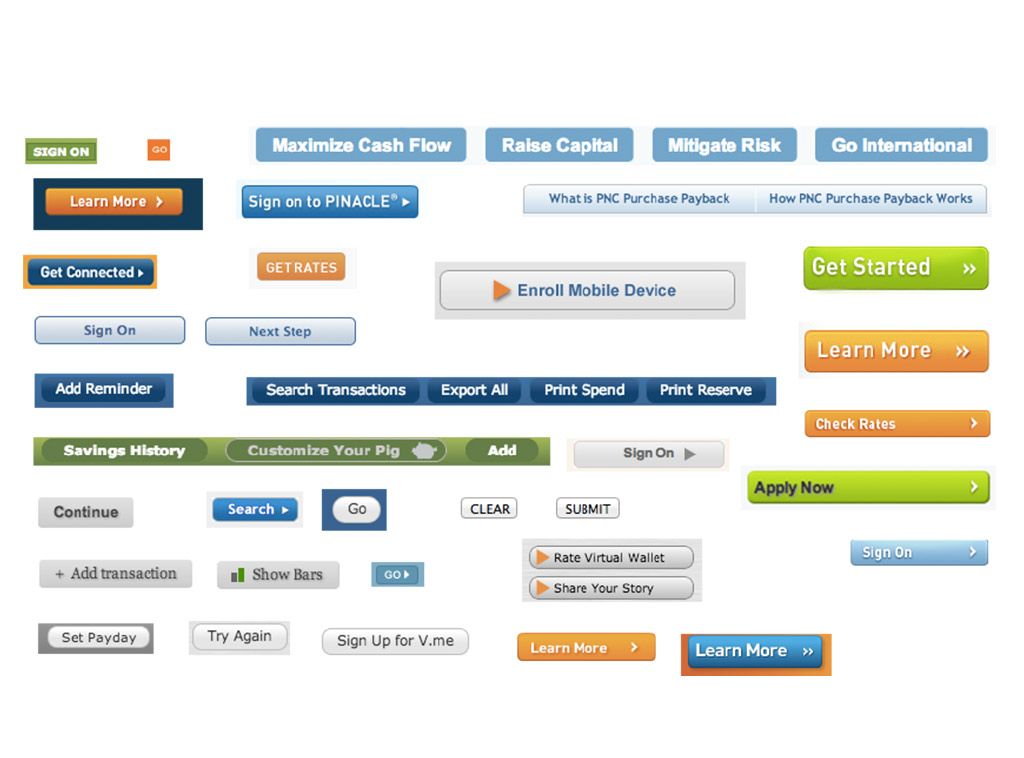
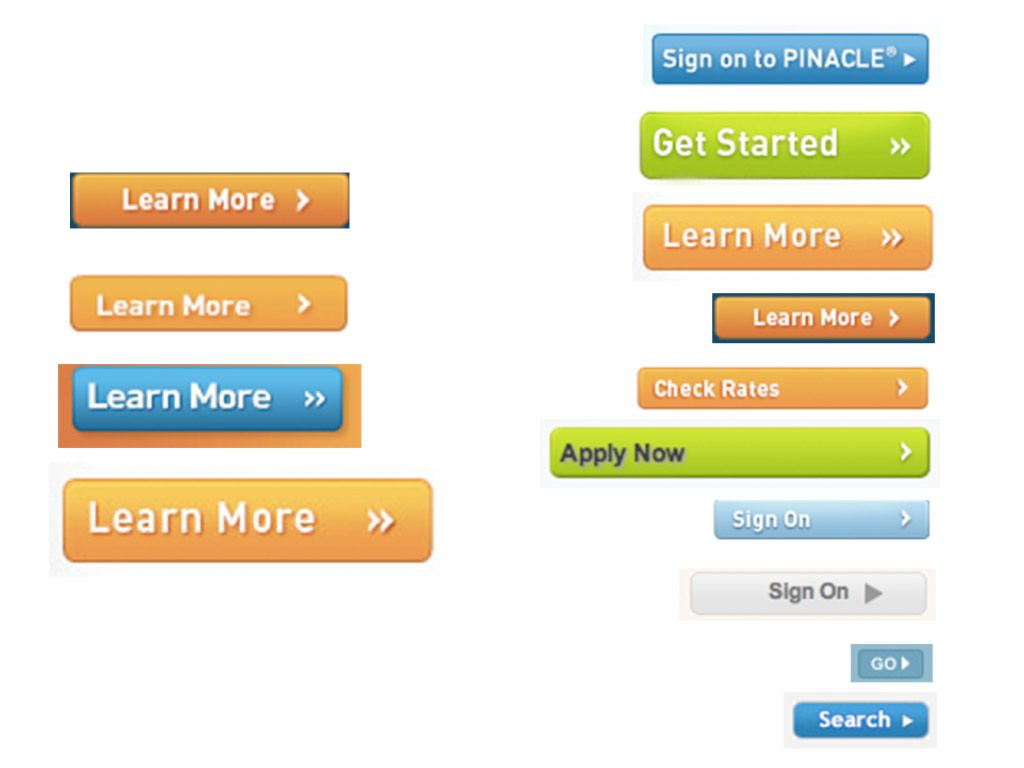
- Start screenshotting. Now for the fun/tedious part. Start grabbing screenshots of the ingredients of your interface. Grab headings, text fields, radio buttons, carousels, accordions, tabs, images, icons, video players, graphs, etc, etc. Note that you're not trying to capture every single instance of a component, but rather uncover distinct treatments of a component (like a button with a bevel and right-facing caret vs another without any bevel/caret).
- Categorize screenshots. You can do this as you go or after your screenshotting session, but the goal is to be able to view all the various treatments of a particular molecule side by side.
- Present the interface inventory to your boss/client/organization and watch them cry realistic tears.
Benefits of an Interface Inventory Why go through all the trouble of deconstructing and cataloging an interface? It's certainly a tedious process, but the results are extremely beneficial. Here are just some of the benefits of an interface inventory:
- Lays the groundwork to a sound design system --Creating systematic, atomic, styleguide-driven design is a smart strategy, and an interface inventory is that first step at deconstructing pages down to their atomic level. Eventually the interface inventory can be used to help set up a style guide or pattern library.
- Convince your boss/client/organization that establishing a cohesive design system is essential. This is especially true for large organizations consisting of many teams or working with multiple 3rd party agencies. An interface inventory is the first step toward establishing a common interface language.
- Promote consistency --Displaying a plethora of similar-but-still-different treatments next to each other exposes redundancy and underscores the need to create a consistent, cohesive experience.
- Ensures all interface components are accounted for --This happens a lot. A full-on redesign is underway, and somewhere along the line certain modules end up slipping between the cracks. Creating an interface inventory up front helps establish project scope and ensures that all components are accounted for so there are no nasty surprises at the 11th hour before launch.
- Responsive Retrofitting --While mobile-first responsive design is certainly a preferred approach to responsive design, it's not always feasible to undertake right away. Budget, time, scope, skillset, and more often force organizations to retrofit their existing website into a responsive site. Creating an interface inventory allows design teams to analyze the interface in order to establish what components will be easy and relatively difficult to convert into a responsive environment.
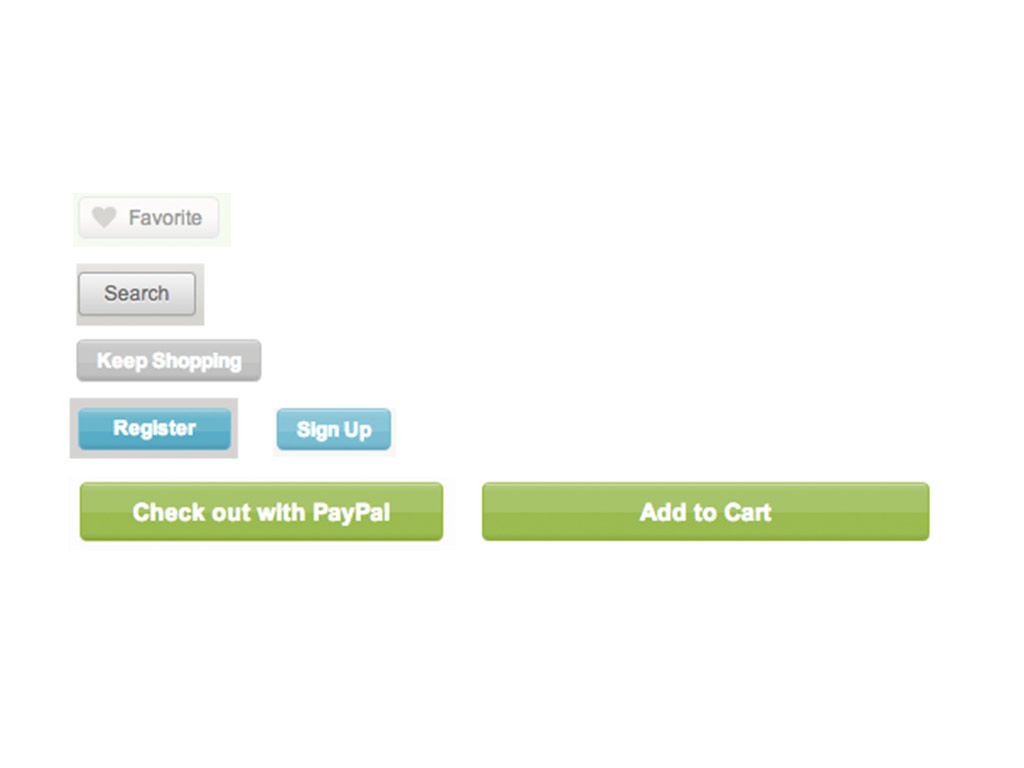
Interface Inventories In Action I went through just a few pages of my bank's website and screen grabbed all the various button variations I could find. Here's the result: