This Is Responsive
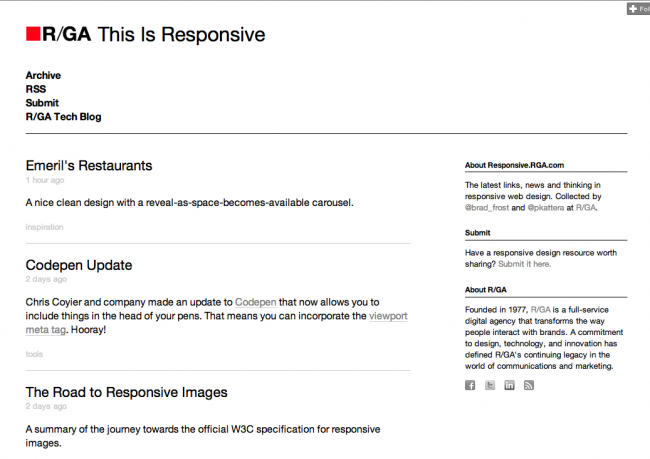
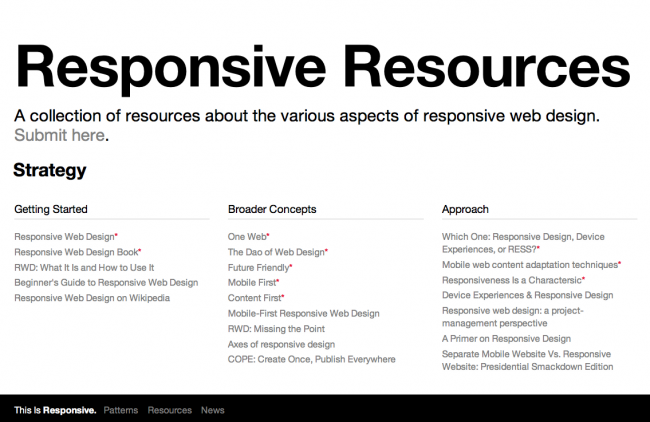
Brad Frost This Is ResponsiveEasily the most frequently asked question I get regarding responsive web design is "Where do I go to learn about this stuff?". Of course I ask if they've read the wonderful book on the subject and follow Ethan's excellent @rwd Twitter account. The answer is usually, "Yeah yeah yeah, I got that. Where do I go next?" So I've been chipping away at some stuff that can hopefully help answer these questions. Introducing This Is Responsive, a collection of patterns, resources and news related to responsive design. Responsive Pattern Library 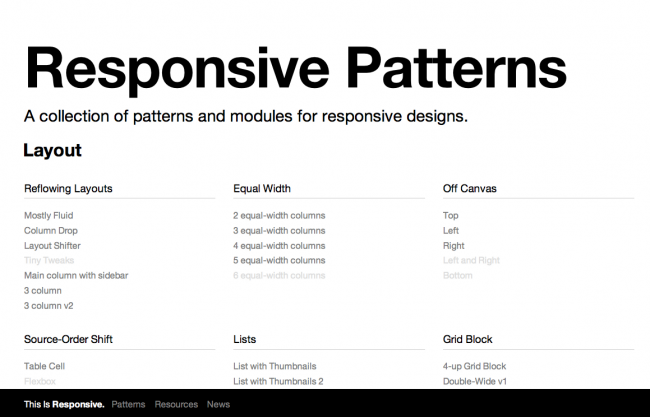
- Answers the question "How does ________ work in a responsive design?" It's a question I get on a daily basis. Breadcrumbs. Tables. Navigation. Carousels. You name it. How do they work? This is meant to be the hub for these solutions.
- Collects Existing Solutions - Everyone's trying to sort this stuff out, we might as well do it together. It's good to have a central(ish) place to collect solutions. Someone may have just the solution for you, or better yet, plant the idea in your head to evolve a solution and make it better.
- Helps non-technical designers - Believe it or not, many designers spend their days in a wireframing tool or Photoshop (GASP!). Having an abstracted pattern to refer back to allows them to confidently design feasible solutions while still working in the tools they feel the most comfortable with.
- Shows, doesn't tell - Instead of having to write mountains of footnotes or do silly mockups to demonstrate simple interactions, you can simply refer to a working version of a pattern in its final environment.
What It Isn't While the responsive pattern library is trying to do a lot, there's a few things that it's not attempting to do. Here's what it isn't:
- A framework - This isn't Bootstrap. This isn't a library that you drop into your experience and magically walk away with the answers to your responsive problems. I have nothing against frameworks, but I don't use them, mainly because it requires subscribing to the way someone else structured things and incurring a bunch of overhead in the process. This is meant to be more of a 'teach a man to fish' type thing.
- Thoroughly tested - These patterns are the equivalent to quick sketches on a whiteboard. The initial ones haven't been stress tested in IE7, Blackberry 4.2 or really anything other than the environment in which they were authored. And I'm making no apologies, because the point of this library is simply to demonstrate how a certain component adapts. If you want to take a pattern and run with it and make it bulletproof, more power to you. The point is to get the idea across first and foremost.
- A Place to Showcase Specific Implementations - The goal of this library is to demonstrate a particular interaction in as abstract a way as possible. I want you to be able to show your clients my patterns and I show mine yours. Specific implementations cloud judgement. Have you ever heard "Yeah, but we're not a newspaper" when you demonstrate the Boston Globe to a team member or client? Exactly.
Contribute So how can you help? Well, contribute! Here's how:
- Sign up for a Github account. (More on Github later)
- Head over to Codepen.io and get up and running. This tool is crazy awesome
- Create a new Pen for your pattern. Remember to keep it abstract in order for it to be helpful for as many people as possible.
- Submit the pattern. I suppose you can do this on Github or give me a shout on Twitter and I'll add it to the pile. (Again, more on Github in a second)
- Lather. Rinse. Repeat.
I'm actually really excited for this pattern library. I've been using it with several teams recently and have found that building generic versions of a patterns first gets the point across and allows for quick iteration. More importantly, by abstracting these patterns, other projects can benefit from them instead of keeping it all under one brand's style guide. Blog